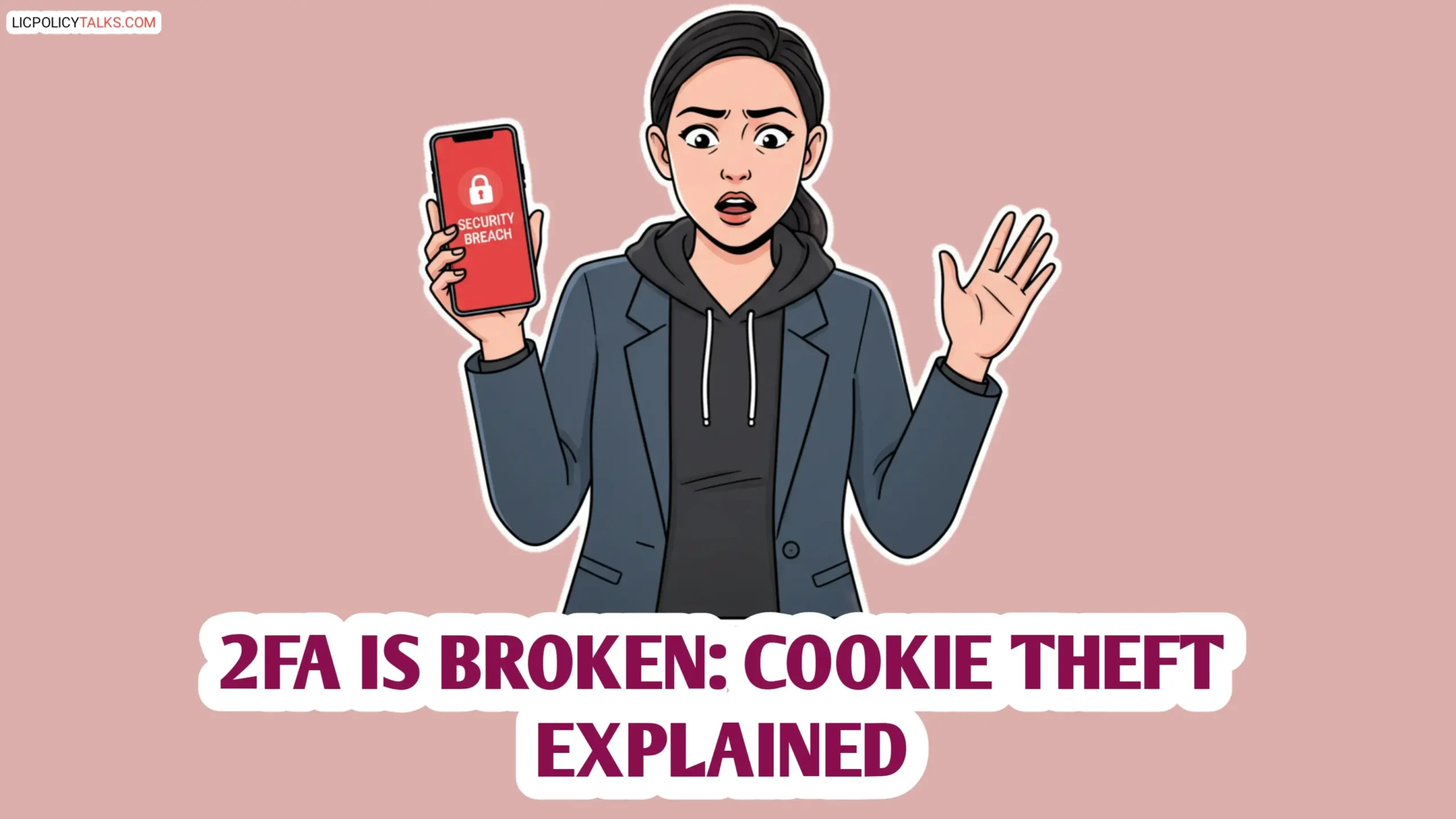
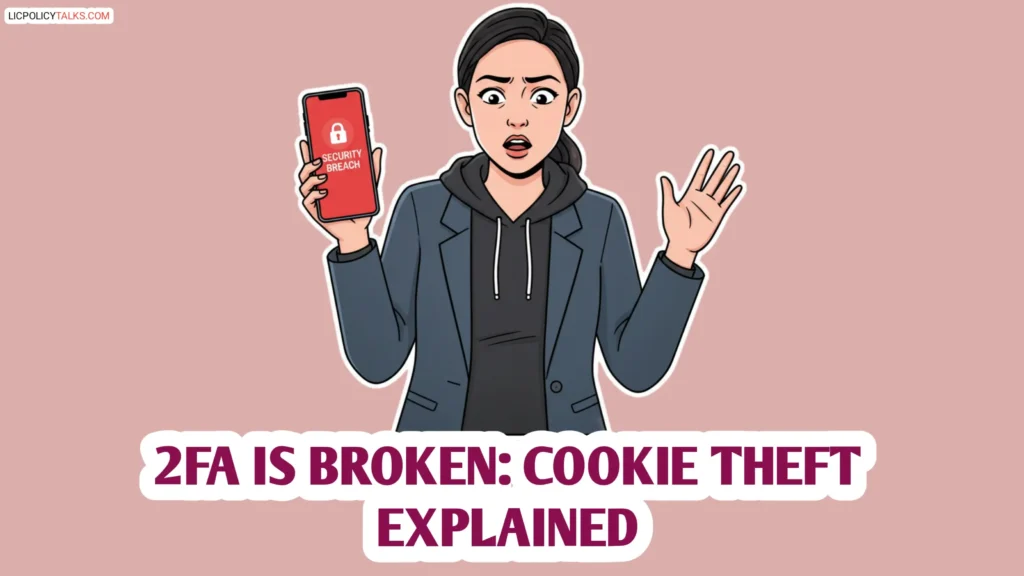
Hi friends! Imagine this: you get a notification that a large amount of money has been transferred from your bank. Your heart stops. You check your phone—no OTP approval request. You have 2FA enabled everywhere. How is this even possible? You feel a cold dread, realizing the rules of cybersecurity you trusted have changed. That’s the unsettling reality we’re stepping into. This article is your guide to understanding a sophisticated session hijack threat that makes your 2FA and OTPs look the other way. We’ll break down how it works, show you the proof it’s real, and most importantly, give you a new playbook for 2026.
The digital landscape is shifting under our feet. The session hijack is evolving into its most dangerous form yet, powered by stealthy cookie theft malware. It doesn’t want your password; it wants the digital “wristband” that proves you’re already inside.
The Broken Promise: How 2FA and OTPs Were Supposed to Work
For years, we’ve been told that adding a second step is the golden ticket to security. It’s the classic “Something You Know” (your password) plus “Something You Have” (your phone or a security key). You type your password, get a one-time code via SMS or an app like Google Authenticator, and boom—you’re in. This OTP security model is fantastic at stopping one thing: someone who has stolen your password. It creates a single, fortified checkpoint—the “authentication moment.”
Honestly, it worked! Phishing attacks that snagged passwords were often thwarted because the attacker couldn’t get that second, time-sensitive code. Multi-factor authentication became the standard advice for a very good reason. We all put our faith in that moment of verification.
But here’s the critical blind spot we all missed: What happens after you pass that checkpoint? The security model assumes the battle is only at the gate. Once you’re inside the castle, you’re trusted. This foundational assumption is what sets the stage for a complete authentication bypass. The new attack doesn’t storm the gate; it tunnels in from within.
Session Hijacking 2.0: It’s Not About Your Password Anymore
Cookies: The Digital “All-Access Pass” You Didn’t Know You Had
Let’s simplify this. When you log into a website—your bank, email, social media—your browser and the site start a “session.” Think of it as a private conversation. To remember you’re logged in as you click around, the website gives your browser a tiny file called a session cookie. It’s like a backstage pass.
Here’s my favorite analogy: Your password is the ticket that gets you into the concert. The browser session cookie is the glow-in-the-dark wristband they put on you. That wristband lets you leave to get a drink and come right back in, no questions asked. The bouncer (the website) doesn’t ask for your ticket again; he just checks your wristband. Your session cookie is that all-access wristband for your digital life.
The Malware That Steals Wristbands, Not Tickets
So, how do attackers get this wristband? They use a specific breed of malicious software called info-stealers—things like RedLine, Vidar, or Raccoon. You might accidentally install this cookie theft malware by clicking a bad link, downloading a cracked software, or opening a malicious attachment. Once on your computer, it doesn’t make a sound.
Its sole mission is to rummage through your browser’s data—your passwords, autofill details, and most importantly, your active session cookies. It’s looking for the wristbands to high-value targets: banking, email, crypto exchanges, and corporate portals. It packages them up and sends them off to a hacker.
This is the stealthy heart of the malware attack. The attacker never sees your password. They never need your OTP. They simply take your session cookies, import them into their own browser, and the website greets them as you. Instant, full access for a complete account takeover. This evolution is exactly what security researchers label Session Hijacking 2.0, a method that bypasses MFA by targeting the active session. [Link to: Session Hijacking 2.0 — The Latest Way That Attackers are Bypassing MFA].
The Attack Shift: From Stealing Keys to Cloning Your Identity
Visualizing the fundamental shift in attacker strategy.

Proof in the Headlines: The 2026 Attack Landscape Is Already Here
This isn’t a scary story about the future. The cybersecurity 2026 threat is already live in today’s headlines. Researchers have moved from theory to documenting active, successful campaigns that prove how vulnerable we are.
A stark example targets the world’s most popular browser. As recently confirmed in cybersecurity reports, Google Chrome users have been directly targeted by info-stealer malware designed to pilfer session cookies. [Link to: Google Chrome 2FA Bypass Attacks Confirmed]. This means your Gmail, Google Drive, and any other site you’re logged into via Chrome could be wide open, even with 2FA on. It’s a sobering wake-up call for millions.
This specific browser session attack is part of a bigger, uglier picture. While cookie theft is paramount, it’s part of a larger arsenal of MFA bypass techniques documented by security experts. [Link to: Bypass techniques for multi-factor authentication]. The attackers’ playbook has evolved, and their main goal is clear: skip the login fight entirely and hijack the trusted session already in progress.
Building the 2026 Defense: How to Protect Yourself & Your Organization
For Individuals: Beyond the Password Manager
First, don’t panic and turn off 2FA. It’s still your best shield against password theft. The key is to add layers that protect your session. Start with your browser. Consider using dedicated profiles or containers (like Firefox Multi-Account Containers) for your banking and email. It’s a bit more work, but it isolates those precious sessions. Get comfortable with periodically clearing cookies for sensitive sites, even though it means logging in again.
Device hygiene is your new first line of defense. Since the attack starts with malware, a reputable anti-malware program is non-negotiable. Be fiercely cautious about what you download and install. Keep your operating system and browser updated—those patches often fix the holes malware uses to get in.
Build a habit of session awareness. When you’re done with your online banking or primary email, don’t just close the tab. Actually click “Log Out.” Especially on shared or public computers. This invalidates that session cookie on the server side, making the stolen “wristband” useless.
Remember, 2FA/OTP is still CRUCIAL, but it’s incomplete. Think of it as a strong lock on your front door. The new threat is someone cloning your house key after you’re already inside. You need alarms and motion sensors (device security) too.
For Organizations: Towards Continuous Authentication
For companies, the old “trust but verify” model is dead. The new mantra is “never trust, always verify,” often called Zero Trust. This means implementing Continuous Security Validation for user sessions. Technically, this involves setting aggressive, short session timeouts for high-privilege access, forcing users to re-authenticate more often.
Go a step further with Context-Aware Access controls. This system continuously checks: Is this login coming from the user’s usual device and location? Has the IP address suddenly changed? If something looks fishy, the session is terminated immediately, even if a valid cookie is present.
Where possible, push for the adoption of FIDO2/Passkeys. These use cryptography tied directly to your user’s device (like a phone or security key) for login, making password and OTP theft irrelevant. While a session cookie can still be stolen after login, the initial authentication is far stronger. Finally, update your security awareness training to include the risks of malware and cookie theft, not just phishing for passwords.
| Security Measure | Protects Against Credential Theft? | Protects Against Cookie Theft? | Recommendation |
|---|---|---|---|
| Strong Passwords & Password Manager | ✔ Yes | ✘ No | Essential foundation, but not enough alone. |
| SMS/App-Based OTP (2FA) | ✔ Yes | ✘ No | Still a must-have, but know its limitation. |
| Device Anti-Malware | ✘ No | ✔ Yes | Critical first line of defense against the initial infection. |
| Short Session Timeouts | ✘ No | ✔ Yes | Reduces the window of opportunity for a stolen session. |
| FIDO2/Passkeys | ✔ Yes | ✔ Yes* | The future. Stops credential theft and strengthens initial auth. (*Post-login session still needs protection) |
Security Measure vs. Session Hijack 2.0 Effectiveness
FAQs: ‘account takeover’
Q: If 2FA can’t stop session hijacking, should I even bother using it anymore?
Q: How can I tell if my session cookies have been stolen?
Q: Does using a VPN protect me from cookie theft malware?
Q: Are password managers vulnerable to this type of attack?
Q: What is the single most effective step a company can take to prevent session hijacking attacks on their users?
Conclusion
Let’s wrap this up. The core message is simple but profound: the primary battlefield for cybersecurity 2026 is no longer just the login screen. It’s the ongoing session that happens after. The session hijack crisis shows us that attackers have elegantly sidestepped our strongest gates.
This doesn’t mean 2FA and OTPs are trash. Far from it. They are a necessary, vital layer—but they are no longer a complete solution. We must evolve from a mindset of “point-in-time authentication” to one of “continuous session integrity.” For users, that means better device hygiene and session awareness. For organizations, it means adopting Zero Trust principles and context-aware security. By understanding this shift and acting on it, we can build defenses that are ready not just for today, but for the advanced threats of 2026 and beyond.